Build terminal apps in TypeScript.
Rezi is for dashboards, control planes, internal tools, log viewers, and developer workflows where line-by-line output is not enough. It gives you layout, input, focus, routing, widgets, and tests in one framework.
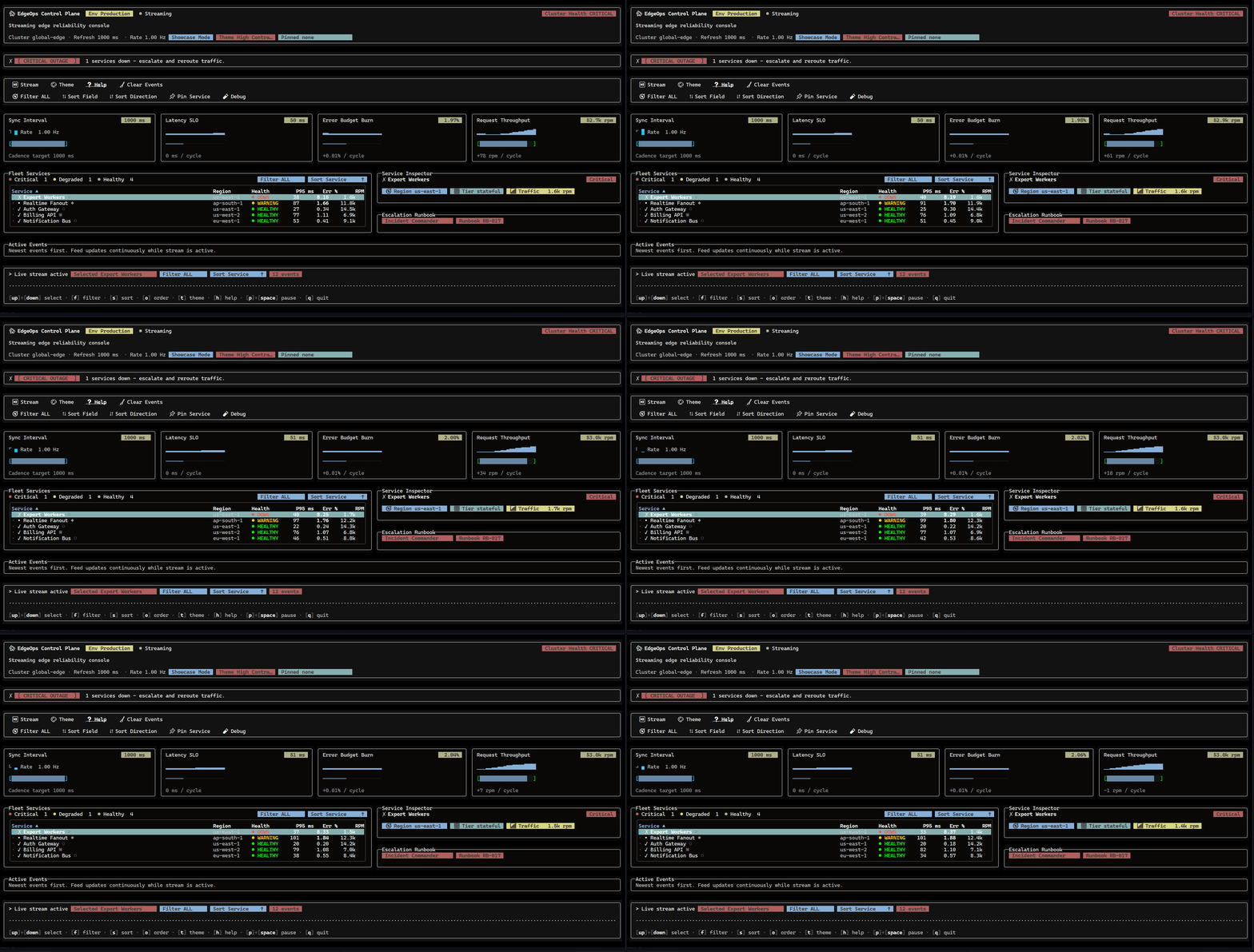
What It Is
A framework for programs, not just terminal output.
Terminal UIs get hard when they grow. Focus, resizing, keyboard modes, overlays, tables, forms, and tests all start to interact. Rezi keeps those concerns in one app model instead of making every project rebuild them.
import { ui } from "@rezi-ui/core";
import { createNodeApp } from "@rezi-ui/node";

const app = createNodeApp({ initialState: { count: 0 } });

app.view((state) =>
  ui.page({
    header: ui.header({ title: "Operations" }),
    body: ui.panel("Counter", [
      ui.button({
        id: "inc",
        label: String(state.count),
        onPress: () => app.update((s) => ({ count: s.count + 1 })),
      }),
    ]),
  }),
);

await app.run();
What You Get
The parts you usually end up writing are included.
Structured layout
Compose real screens with rows, columns, grids, panels, split panes, overlays, and constraint-based layout tools.
Input and focus
Route keyboard and mouse input, manage focus, and keep modal layers predictable as the app grows.
Application widgets
Use buttons, forms, tables, virtual lists, trees, dialogs, toasts, file pickers, charts, canvas, and logs.
Native renderer
Zireael handles framebuffer diffing and terminal output while application code stays in TypeScript.
Testing support
Assert rendered output, drive input, verify routing and focus, and replay captured scenarios.
Templates
create-rezi includes a small starter, a routed app template, and a larger showcase.
Create Rezi
Start small, then add structure.
Most projects should start with `minimal` or `cli-tool`. Use `starship` when you want to see the full surface area or capture a more complete demo.
npm create rezi my-appUse Cases
Build more than command output.
Use Rezi when a CLI needs screens, navigation, forms, tables, logs, overlays, or long-running state instead of a sequence of printed lines.
Documentation
Learn the pieces in the order you need them.
Start with install and quickstart, then move into layout, routing, input, testing, and the widget catalog.